A double booking is the nightmare of anyone running a B&B or holiday home: two guests for the same room on the same nights. It is almost never bad luck: it happens because availability lives in different places that do not talk to each other.
Why it happens
If you take bookings from Booking, Airbnb, the phone and perhaps your own website, each channel has its own calendar. When a booking comes in on one, the others do not know until someone updates them by hand. One oversight, or a booking that arrives at night, is enough to sell the same room twice.
One calendar as the reference
The first step is deciding where the truth lives: a single calendar that holds every booking, whichever channel it comes from. Paper, Excel and chats are not enough, because they do not update themselves.
Synchronise your calendars with the portals
Booking and Airbnb let you connect your calendar to external calendars, importing and exporting the occupied dates. That way, when a room is booked in one place it shows as occupied in the others too.
There is one limit to be aware of: the update is not always immediate, because the portals re-read the calendars at intervals. That is why it is worth checking last-minute bookings, especially in high season.
Three habits that help
- Enter bookings taken by phone or in person in the calendar straight away.
- Block the dates when a room is unavailable for maintenance or personal use.
- Check the arrivals for the coming days every morning.
How B&B Manager does it
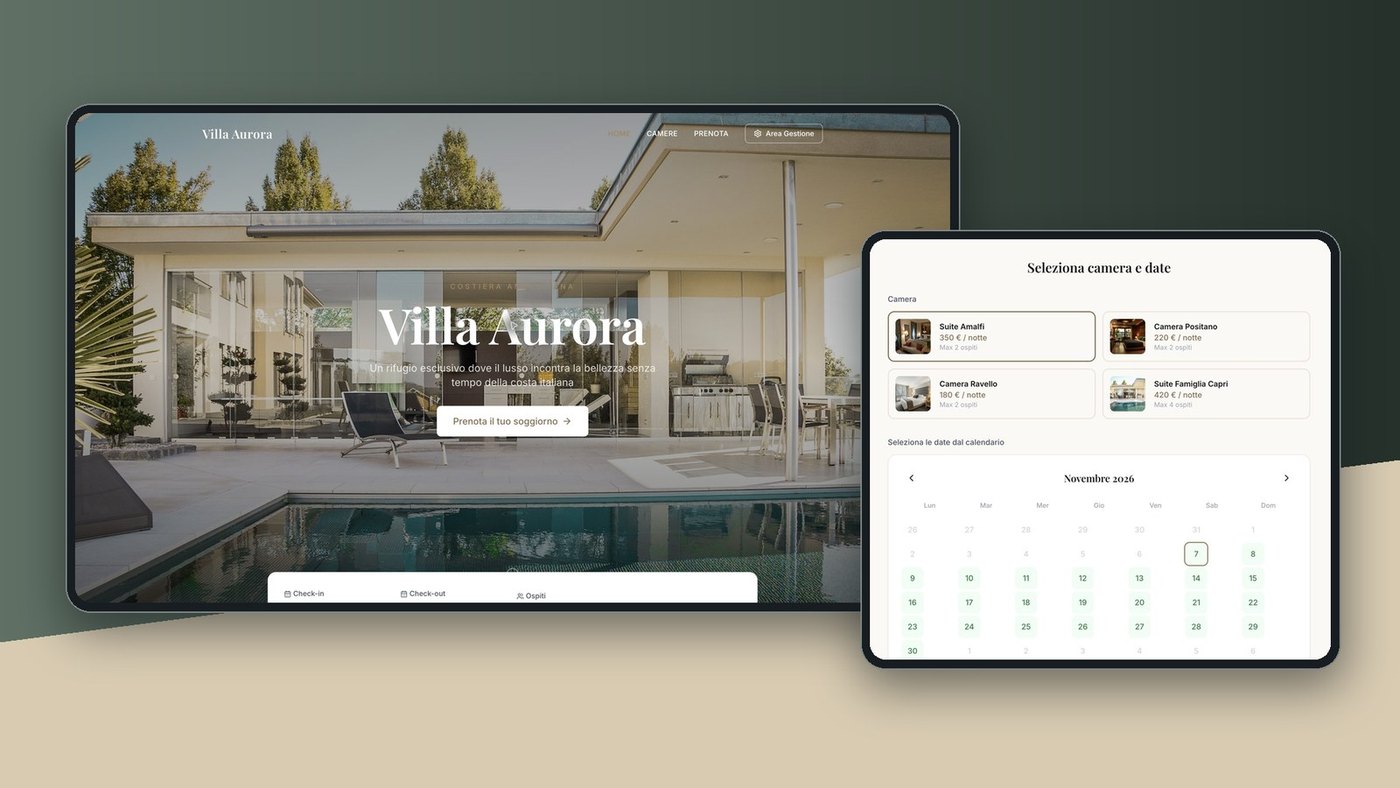
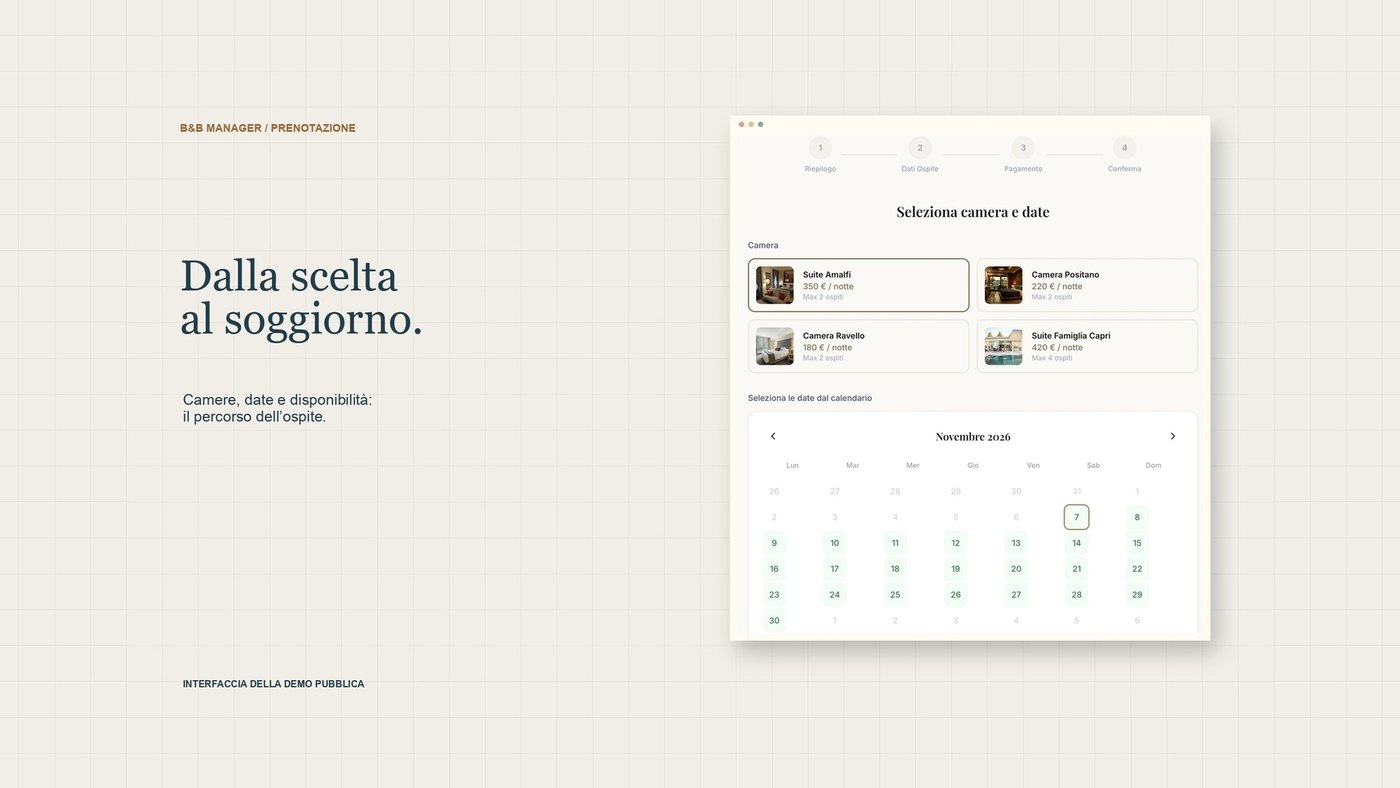
B&B Manager, our management system for B&Bs and holiday homes, keeps all bookings in a single calendar, synchronises the dates with Booking and Airbnb and notifies you of every new booking. It also includes the property’s website, where guests book and pay directly.